Why iPhone Personal Hotspot Stops Working After an iOS Update (And How to Fix It)
iPhone Personal Hotspot not connecting or showing no internet after an update? Work through these fixes in order, from the quick toggles to a network reset.
iPhone & iOS Fixes Find easy-to-follow solutions for common iPhone and iOS issues, including battery problems, app crashes, update errors, Wi-Fi issues, Face ID, and performance optimization guides.
iPhone Personal Hotspot not connecting or showing no internet after an update? Work through these fixes in order, from the quick toggles to a network reset.
Last week my CarPlay dropped three times on a 20-minute drive to the office right in the middle of a call, and again while Maps was giving directions at a turn I actually needed. I updated to iOS 26 the day before, so I figured that was the trigger. Turns out I wasn’t wrong, and … Read more
I updated my iPhone 13 to iOS 26 on a Tuesday night, expecting the usual mix of new wallpapers and battery drain complaints. What I didn’t expect was Spotlight Search basically forgetting how to do its job. I swiped down from my home screen, typed “Messages,” and got nothing. Not “no results” just a blank, … Read more
I still remember the first time this happened to me. I put my iPhone on charge before bed, expecting to wake up to a shiny new iOS version, and instead found it sitting on a black screen with “Preparing Update” and a progress bar that hadn’t moved an inch in over eight hours. No error … Read more
I updated my iPhone 15 Pro to iOS 26 on a random Tuesday night, mostly because I was tired of seeing that little red badge on Settings. By Thursday afternoon, I was charging my phone three times a day. Three. I work from a coffee shop near Liberty Market a couple days a week, and … Read more
AirPods not pairing or randomly disconnecting after the iOS 26 update? Here are 11 proven fixes, from firmware checks to network resets, that actually solve it. Quick Answer If your AirPods won’t pair or keep disconnecting after updating to iOS 26, first forget the device in Settings > Bluetooth, reset the AirPods using the case … Read more
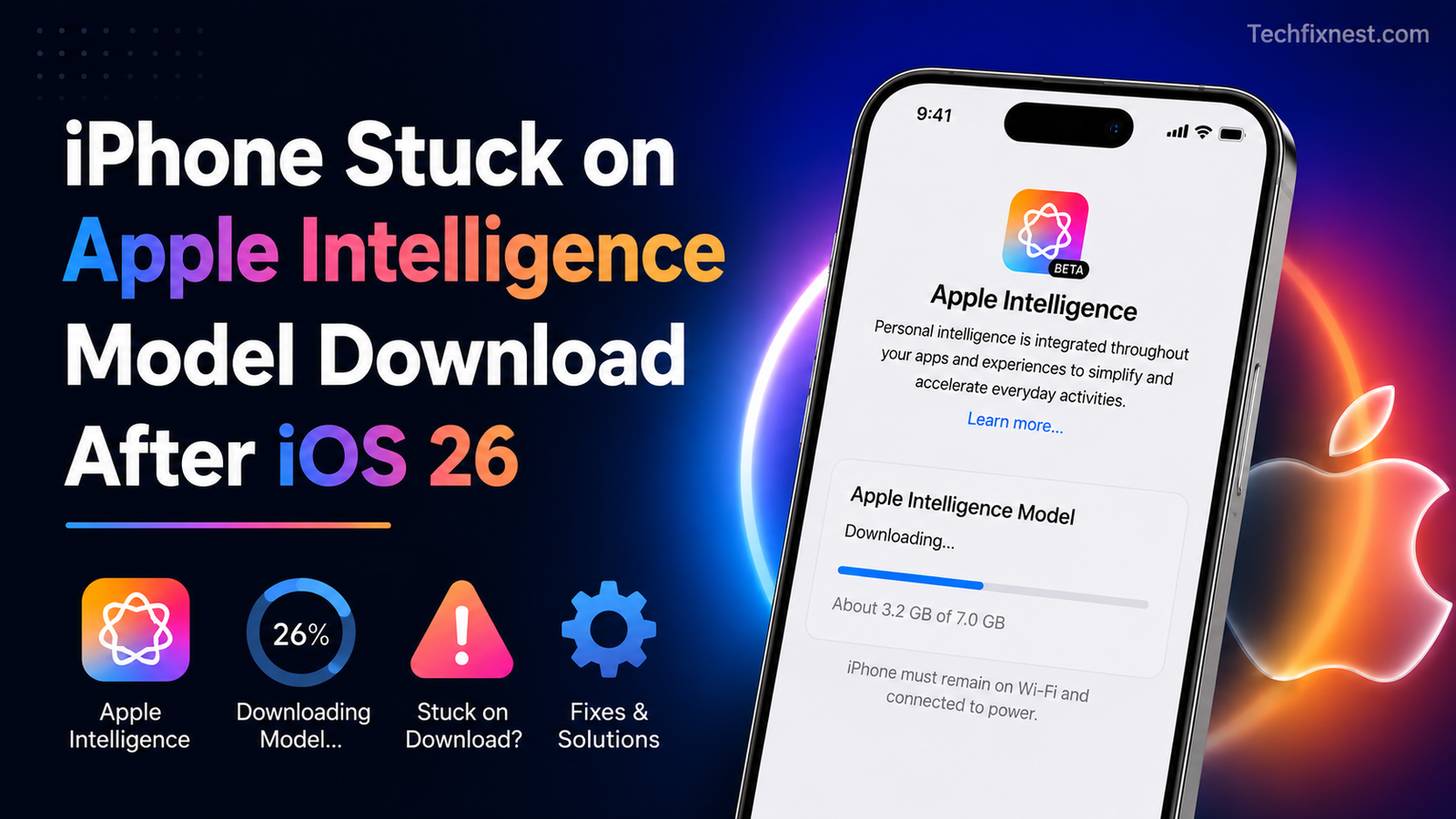
iPhone stuck on Apple Intelligence model download after iOS 26? Try these 9 proven fixes for stuck “Preparing” or “Downloading” screens. Quick Answer If your iPhone is stuck downloading the Apple Intelligence model after updating to iOS 26, first free up at least 10 GB of storage, then keep the device unlocked, charging, and on … Read more
iPhone stuck in headphone mode after water damage? Learn why this happens and 11 proven fixes to restore normal speaker sound today. Quick Answer Water damage triggers your iPhone’s moisture sensor, tricking it into thinking headphones are plugged in even when the port is empty. Dry the port fully with the Water Eject Shortcut, silica … Read more
Face ID stopped working after the iOS 26 update on your iPhone 13? Here are 7 proven fixes to get it working again — fast, easy, and no data loss required. Quick Answer If Face ID stopped working after updating to iOS 26, the most reliable fixes are: restarting your iPhone, resetting Face ID and … Read more
Is your iPhone stuck on the Apple logo after an update? Don’t panic. Follow these proven fixes to get your iPhone working again in minutes — no data loss required. Quick Answer If your iPhone is stuck on the Apple logo after an update, force restart it first by pressing and quickly releasing Volume Up, … Read more